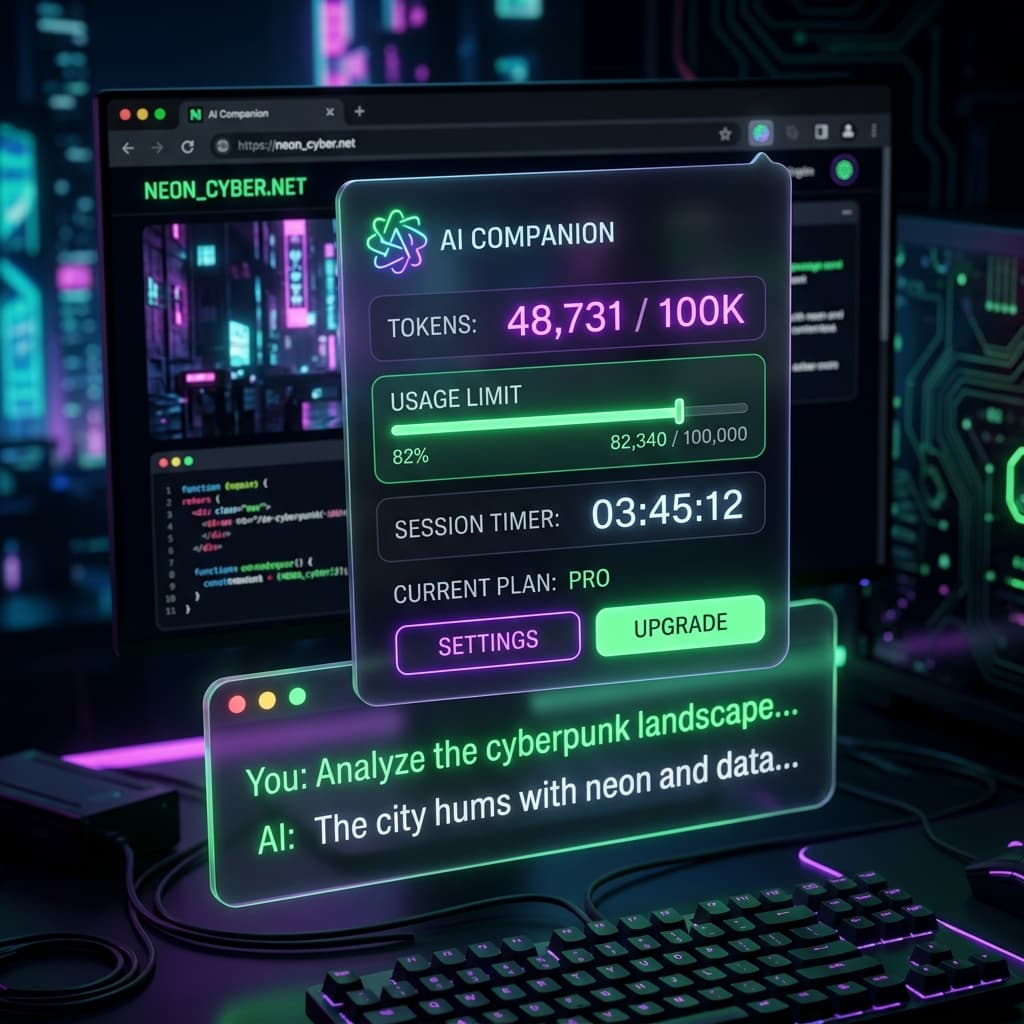
Token Tracker for Claude



A minimal, privacy-first browser extension for Claude.ai that brings absolute transparency to your token usage and rate limits.
Table of Contents
- 1. Project Overview
- 2. Live Demo & Visuals
- 3. Tech Stack & Choices
- 4. Core Features
- 5. Project Structure
- 6. State Management & Data Flow
- 7. Browser APIs & Technical Highlights
- 8. Installation
- 9. Privacy & Security
- 10. Credits & License
- 11. Contributing
1. Project Overview
Claude's interface hides critical optimization metrics like context window usage, message limits, and cache expiry. Token Tracker for Claude solves this by injecting a native-feeling UI directly into the chat header, providing real-time token tracking, exact 5-hour/7-day API usage bars, and countdowns for your 5-minute context cache.
Value Proposition: Take control of your Claude session by seeing exactly how many tokens you are burning, how much of your usage limit remains, and precisely when your context cache will expire.
2. Live Demo & Visuals
Previews
 (Replace/Add more screenshots as needed)
3. Tech Stack & Choices
| Technology | Version | Why Chosen |
|---|---|---|
| Vanilla Javascript | ES6+ | Completely avoids build-step overhead, ensures maximum performance, and keeps the extension bundle incredibly lightweight. |
| Manifest V3 | v3 | Modern, mandatory standard for secure browser extensions ensuring long-term compatibility across Chromium and Firefox. |
| gpt-tokenizer (o200kbase) | N/A | Provides an open-source, local token approximation algorithm that runs directly in the browser without making external API calls. |
| CSS Variables | Level 3 | Allows the injected UI to seamlessly adapt to Claude.ai's native Dark and Light mode themes organically. |
| Web APIs (MutationObserver, Proxy) | Native | Ideal for attaching elements reliably within a complex, highly dynamic React Single Page Application (SPA). |
4. Core Features
- ⭐ Approximate Token Tracking: Displays a real-time "~X tokens" count in the header for the current chat. Uses the local
o200kbaselogic to specifically count text and parseable logic while ignoring invisible "thinking" blocks, yielding a highly accurate count. - ⭐ Cache Countdown Timer: Automatically calculates the 5-minute Hot Cache window triggered after the last assistant response. Displays a live countdown ("cached for 4:32") so the user knows exactly how long they have to send follow-up questions at the significantly cheaper cached rate.
- ⭐ 200K Context Warning Bar: A miniature progress bar next to the token count indicating how close the user is to Claude's 200,000 token max context limit. Fades out gracefully behind the scenes if the limit reaches compaction thresholds.
- 5-Hour Session Usage Bar: Renders a color-coded progress bar directly in the toolbar indicating the percentage of the current 5-hour messaging limit consumed. Turns red (
#ce2029) as a warning when utilization exceeds 90%. - 7-Day Weekly Usage Bar: Renders an identical progress bar tracking the user's 7-day usage limits (if provided by the API), preventing surprise rate-limits for heavy users.
- Reset Timers & Time Window Markers: Doesn't just show usage—it calculates exactly when the usage limit window resets (e.g., "resets in 2h 14m") and places a visual sliding marker on the progress bar showing where the user currently stands chronologically within that 5-hour/7-day window.
- Branch Navigation Support: Seamlessly recalculates token counts and cache timers on the fly if a user navigates between different chat branches or edits previous prompts, acting inherently aware of conversational trees.
- Informative Tooltips: Every UI element triggers a smart delay-tooltip explaining the specific metric (e.g., hovering the token counter explains that it is a generic tokenizer, hovering the usage bars explains the time-window logic).
- Zero-Flicker Native UX: Hooks into the DOM using an optimized
MutationObserver, ensuring UI elements load perfectly alongside Claude's own interface without aggressive network polling. Seamlessly responds to the user's Dark/Light mode theme toggle. - Privacy-First Architecture: Calculates all logic locally. Extracts required data by intercepting your browser's local network traffic to
claude.aiwithout ever polling external or third-party servers.
5. Project Structure
token-tracker-for-claude/
├── HOW_IT_WORKS.md
├── LICENSE
├── manifest.json
├── README.md
├── THIRD_PARTY_NOTICES.md
├── icons/
│   ├── icon.png
│   ├── icon16.png
│   ├── icon32.png
│   ├── icon48.png
│   ├── icon96.png
│   ├── icon128.png
│   └── icon256.png
├── META-INF/
│   ├── cose.manifest
│   ├── cose.sig
│   ├── manifest.mf
│   ├── mozilla.rsa
│   └── mozilla.sf
└── src/
    ├── styles.css
    ├── content/
    │   ├── bridge-client.js
    │   ├── constants.js
    │   ├── main.js
    │   ├── tokens.js
    │   └── ui.js
    ├── injected/
    │   └── bridge.js
    └── vendor/
        └── o200k_base.js
Key Folders & Files
src/injected/bridge.js: The "Spy" that lives alongside Claude's code to overridefetchand intercept streaming response data.src/content/main.js: The "Brain" that manages the 1-second interval loop updating the UI countdowns and coordinating data fetches.src/content/ui.js: The "Face" containingCounterUI, which carefully renders HTML elements into Claude's React DOM structure.
6. State Management & Data Flow
State in this architectural pattern is fundamentally decentralized, heavily relying on DOM events, window.postMessage, and closure variables inside main.js.
Critical Global State (main.js):
usageState: Stores the raw, normalized snapshots of the user's 5-hour and 7-day API utilization limits.usageResetMs: Cached, parsed UNIX timestamps dictating when the current usage windows reset.currentConversationId: Tracks the active chat session by scraping the SPA URL path.
- Action: The user types a message and hits send.
- Intercept: The page's network layer calls
window.fetch.src/injected/bridge.jsintercepts this call. It detects aPOSTto/completionand immediately broadcasts acc:generationstartevent viawindow.postMessageto the isolated world. - Pending UI:
main.jshears the event and callsui.setPendingCache(true)which grays out the context cache timer. - Stream Parsing: As the network response streams back,
bridge.jsparses theevent-streamtext chunks looking formessagelimitupdates. If found, it emits acc:messagelimitevent. - Tree Intercept: When the message finishes, Claude's app naturally requests the updated chat tree (
/chatconversations/...).bridge.jsintercepts the JSON response, clones it, and broadcastscc:conversation. - Token Math:
main.jspasses the parsed conversation totokens.js.tokens.jsstrips out invisible thoughts, runs the remaining text througho200kbase.js, and caches the hashes. - Render:
ui.jsreceives the updated token count and the timestamp of the new assistant message, rescales the token progress bar, and re-starts the 5.00-minute cache countdown timer.
7. Browser APIs & Technical Highlights
This project utilizes several advanced DOM and Browser capabilities to safely bypass the security limitations inherited by browser extension architectures:
| API / Library | File Location | How It Works & Why Chosen |
|---|---|---|
window.fetch (Monkey Patching) | src/injected/bridge.js | Modifies the native fetch object to spy on network requests without blocking them. Chosen because standard Content Scripts cannot read fetch streams or JSON responses made by the host page. |
history.pushState | src/injected/bridge.js | Overrides native browser history tracking. Chosen because Claude is a Single Page Application (SPA), meaning URL changes do not visually "reload" the page. This guarantees we detect when a user switches chats. |
window.postMessage | bridge.js, bridge-client.js | Facilitates secure, cross-boundary communication. Chosen because the 'Injected' script and the 'Content' script operate in completely different security execution environments (Main World vs. Isolated World). |
MutationObserver | src/content/ui.js | Actively watches the document.body for specific elements (like [data-testid="chat-menu-trigger"]) to appear in the DOM. Chosen as it is orders-of-magnitude more performant than using setInterval to poll for dynamic React rendering. |
crypto.subtle.digest | src/content/tokens.js | Utilizes the native Web Crypto API to generate SHA-256 hashes of message strings. Used to fingerprint chat bubbles in the TokenCache to avoid sluggish recalculation of thousands of tokens every time the tree updates. |
Disclaimer: This project operates via DOM traversal and network interception; it may require updates if Anthropic alters internal API endpoints or UI class structures.
8. Installation
Chrome / Edge / Chromium
- Download
token-tracker-for-claude-0.4.2.zipfrom the Releases page. - Go to
chrome://extensionsand enable Developer mode. - Drag and drop the zip file onto the page.
- Download
token-tracker-for-claude-0.4.2.xpifrom the Releases page. - Drag it into any Firefox window and click Add.
- Install the userscript directly from the
userscript/token-tracker-for-claude.user.jsfile using Tampermonkey or Violentmonkey.
9. Privacy & Security
- 100% Local Processing: All data, including your chat tokens, session limits, and usage history stays entirely local to your machine.
- No External Servers: The extension completely ignores external telemetry or tracking algorithms. It only interacts securely with the existing network connection between your browser and
claude.ai.
10. Credits & License
- Designed and developed by Aniket Raj.
- Local token counting is powered by gpt-tokenizer (MIT License).
LICENSE file for more details.
11. Contributing
Since this extension relies on the specific DOM structure and API responses of Claude.ai, community contributions are highly encouraged when Anthropic rolls out UI updates!
Developer Setup:
- Clone this repository locally.
- In Chrome, navigate to
chrome://extensions. - Enable Developer mode in the top right.
- Click Load unpacked and select the root directory of the project.
- Reload
claude.aito see your local changes take effect immediately.
HOWIT_WORKS.md before making architectural changes to the Bridge client or TokensCache.Interested in this project?
I'm always open to discussing technical implementations or potential collaborations.